
Scan a wavetable. Shape a virtual-analog oscillator. Excite a resonator. Bring in a sample. Combine different sources in one stereo voice, then make the result your own.
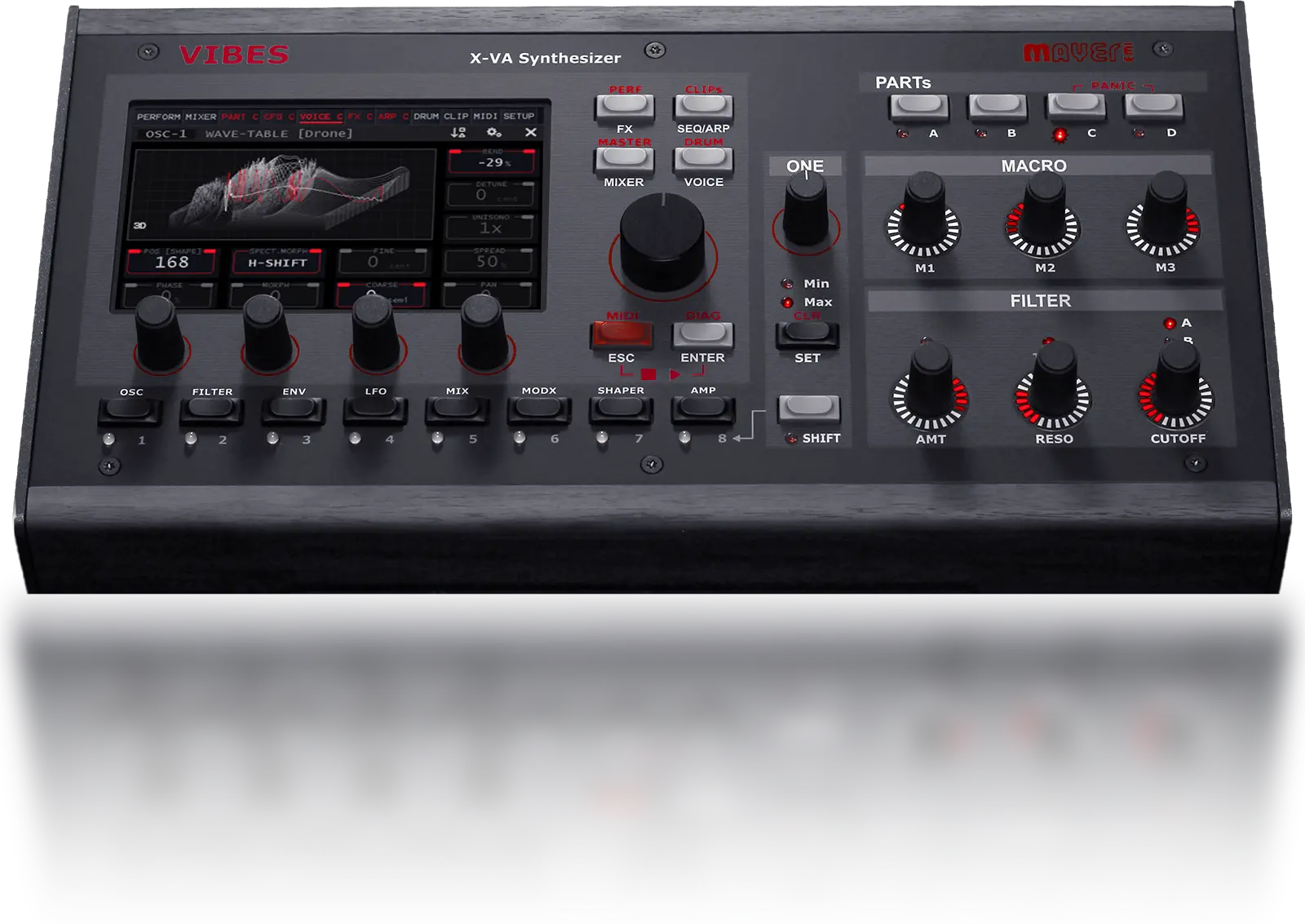
The Vibes MD850 synthesis engines are built into each of its four synth parts. OSC1 and OSC2 each offer a choice of Wavetable, Algorithm or Resonator mode. OSC3 adds sample-based sound.
Choose a mode independently for each main oscillator. You can combine two synthesis modes with a sample source in the same voice.
Wavetable
Algorithm / virtual analog
Resonator
Wavetable
Algorithm / virtual analog
Resonator
Single-cycle wave
Single sample
SFZ multisample
A wavetable holds a sequence of waveforms. Move through them to change the harmonic content of a note, from a small shift in colour to an evolving texture.
On Vibes, scanning is only the start. Spectral Morphing lets you reshape the spectrum itself. Shift harmonics, stretch their spacing or smear them together, then use modulation to keep the sound moving.
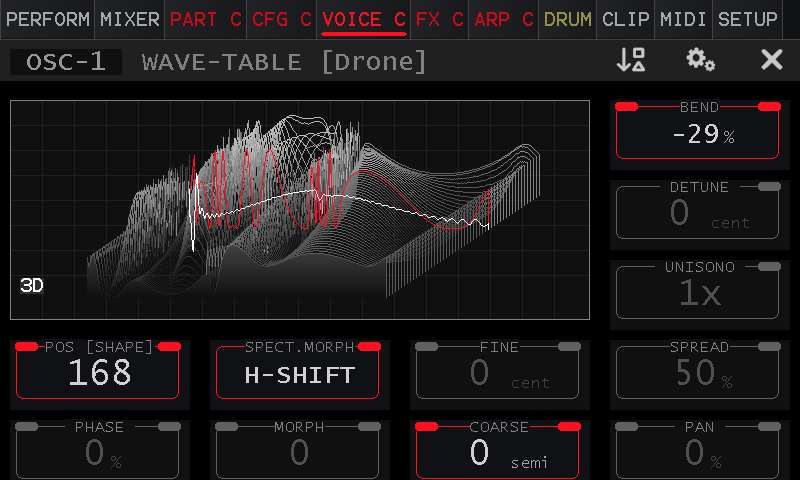
The oscillator display makes the wave shape visible while you edit. Serum-compatible wavetable WAV files can be imported into Vibes.
For a focused bass, a bright lead or a pulse-wave pad, Algorithm mode gives you a virtual-analog starting point. The wave is generated by an algorithm rather than read from a wavetable.
Keep it simple with Just SAW. Use VA-Sweep to move through sine, triangle, saw and pulse shapes. Or explore Dual PWM, hard-sync saw, formant sine and phase distortion.
Shape and P2 change the waveform according to the selected algorithm. Tuning, phase, detune, stereo unison and pan let you build the weight and placement around it.
For a patch idea, combine a steady bass foundation on one oscillator with a moving pulse shape on the other.
Illustration of basic wave shapes. Algorithm modes offer different controls and variations; this is not a live oscillator display.
Start with the character of a vibrating body: a string-like pluck, a sustained, bowed texture or a bell with irregular overtones.
The Vibes resonator uses 64 band-pass filters excited by a noise impulse. You shape the excitation and the resonant spectrum, rather than choosing a recording of an acoustic instrument.
A short excitation can suggest a pluck. A longer one can lead towards blown or bowed textures. Add a second oscillator when the patch needs a different body or edge.
Conceptual illustration of the 64-band filter bank, not a measured spectrum. Resonator Spread changes frequency spacing; it is different from unison stereo spread.
OSC3 is labelled “noise” on the instrument, but it is a sample-based oscillator. Use a single-cycle wave, a single sample or a multisample as the third source in your patch.
With Aurora 5.0, SFZ multisample import brings mapped instruments into that oscillator. Key zones, root notes and loop information let the source keep its character across the keyboard.
Then it becomes part of the synth: blend it with OSC1 and OSC2 and shape the result through filters, envelopes, modulation and effects. Try a sampled attack with a synthesized sustain, or a string multisample under a slowly scanning wavetable.
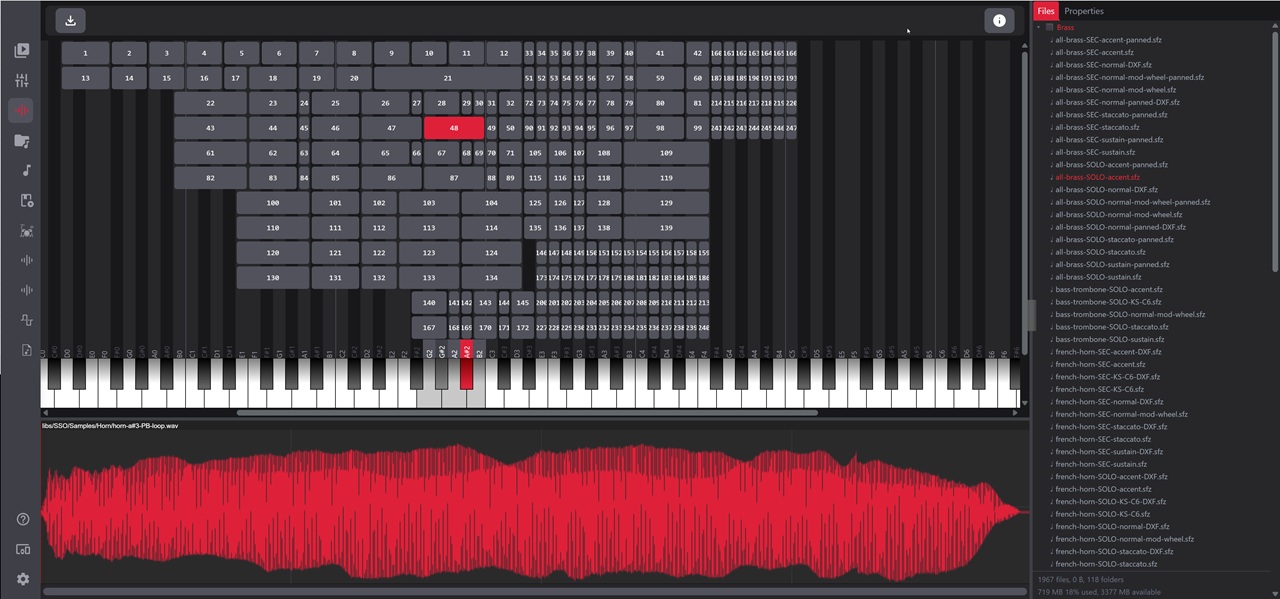
Bring SFZ libraries in through the VibesConnect import workflow. Supported data includes key and velocity zones, loop points and per-zone tuning, level and pan.
You do not have to choose one kind of synthesis for the whole instrument. These are starting ideas for your own patches, not factory preset names or audio demos.
Use a wavetable on OSC1 for slow harmonic movement. Add a resonator on OSC2 for a string-like edge. Blend a quiet multisample on OSC3 for a recognisable layer underneath.
Start with an Algorithm oscillator for the foundation. Add a second source for harmonic detail, then use the filters and envelopes to keep the attack and sustain under control.
Begin with the Resonator and a short excitation. Add a wavetable for the sustain, then use modulation and effects to make the tail develop after the initial hit.
The oscillators feed a stereo mixer and two parallel stereo filter-and-amp paths. Width can begin inside the voice, before reverb or delay enters the picture.
The modulation matrix connects sources such as LFOs, envelopes and oscillator or filter outputs to sound-shaping destinations. Build movement into a patch, then bring the controls you want to perform onto the macros.
OSC1 and OSC2 each run one selected mode: Wavetable, Algorithm or Resonator. OSC3 supplies a sample-based source. That gives you two independently chosen synthesis modes plus samples in one voice. Other parts can use different combinations.
No. Algorithm mode is virtual-analog synthesis in the digital engine. It generates waveforms algorithmically, with shape and modulation controls.
Yes. Vibes supports Serum-compatible wavetable WAV files, single samples and, with Aurora 5.0, SFZ multisamples. Check the manuals and firmware page for the current import instructions.
The manual specifies that unison copies in the Wavetable oscillator are part of the oscillator itself and do not consume additional synth voices. Algorithm mode shares these unison controls. This is distinct from layering multiple parts.
The owner’s manual covers the oscillator modes and parameters. The Aurora 5.0 release notes document newer additions, including SFZ import. Both are available through Manuals & Firmware.
Take those voices into four synth parts, add drums and arrange the performance with the clip launcher. Explore the complete Vibes MD850, hear recordings and see how it fits your setup.