Support & Downloads

Manuals & firmware

Choose your instrument. Find its software, installation guides and manuals.

● Main Product

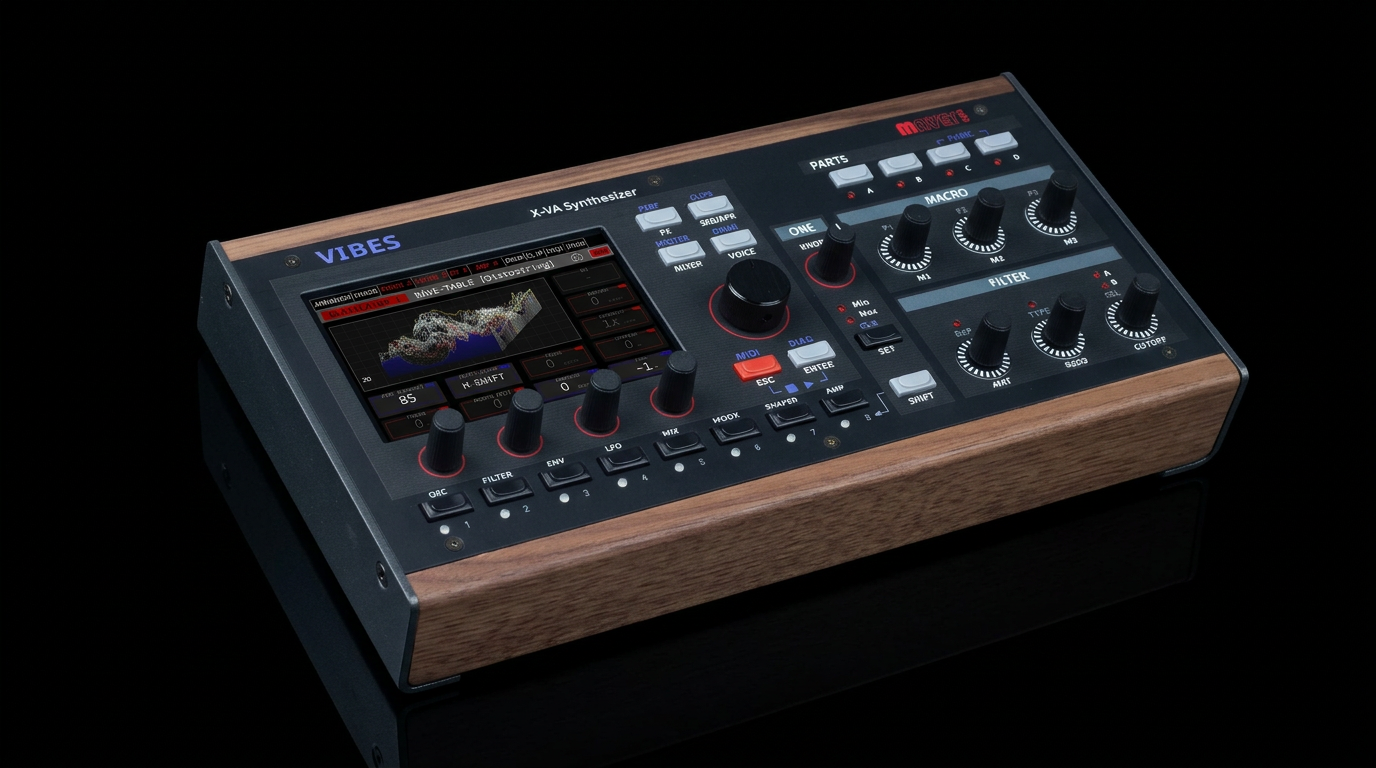
Vibes MD850

Current release: XVAOS V5.00,A · Aurora

Latest Firmware

Aurora 5.0

A free update for Vibes MD850. Aurora adds a second reverb, per-voice Vintage Mode and SFZ multisample import, alongside new sounds and workflow improvements.

See what’s new in Aurora 5.0

Update online

In VibesConnect
Device Status → Update Management → Update check

On Vibes
SETUP → DIAG → Check for Updates

Select the V5.0 Aurora update and follow the installation instructions. For a USB update, use the package and guide alongside.

Previous Firmware

XVAOS V4.00,B — with VibesConnect

The biggest update yet. Includes VibesConnect browser-based DAW mode, new arpeggiator sync modes, sustain pedal support, preset preview player, drum computer refactoring, expression pedal auto-calibration, and dozens of fixes. 23 new factory presets and 10 new performances included.

How to update: The easiest way is via online update — go to Settings → System → Online Update on your Vibes. Alternatively, download the files below and install via USB pen drive.

If you already have V4.00,A installed, download the delta preset update (75MB) instead.
Previous Firmware Versions
V3.10,F
OneKnob improvements, DJ Filter, Arpeggiator recording in clips, wavetable bend, unison 5th/7th detune, scope view, 100+ bug fixes.
V3.03,A
OneKnob initial implementation, clip launcher fixes, MIDI running status, mixer CC response, online update improvements.
V3.01,A and V3.00,A were initial shipping versions. All users should update to V4.00,B. · Full Changelog →

The owner’s manuals cover earlier firmware and do not yet include all Aurora 5.0 features. Use the Aurora installation guide above for this update.

Manuals & tools

📖

Owner’s manual

English · Manual v1.2
Covers firmware V3.10,F

📖

Benutzerhandbuch

Deutsch · Manual v1.1
Covers firmware V3.03,A

🚀

Quickstart guide

English · v2.0
First setup and basic operation

⚠️

Safety instructions

Deutsch, English, Français, Italiano, Español

💾

Backup & restore tool

Transfer presets, performances, wavetables and samples via USB.

📋

V4 installation guide

Archive · For V4.00,B only
For Aurora, use the V5.00,A guide above.

Legacy Product

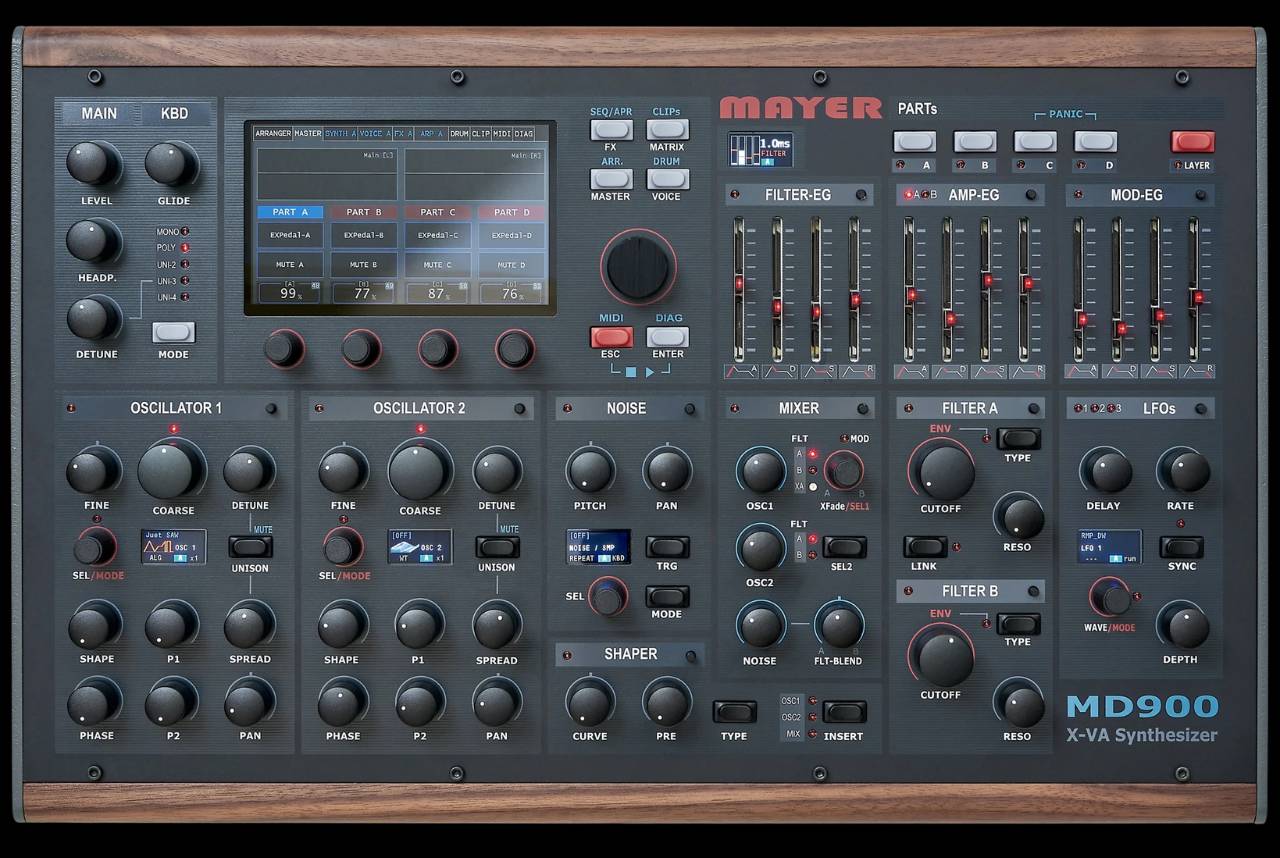
MD900

XVAOS V2.40,C · Hardware firmware V2.10,G

XVAOS and hardware firmware are separate downloads. Choose the package that matches the update you need and read its installation guide.

Software & firmware

XVAOS V2.40,C

Current software release

Fixes for Resonator panel controls, shaper control assignment and LFO key release.

XVAOS V2.30,A

Previous release

Juno 6 Chorus, MIDI clock and transport, clip-launcher progress and web file access.

Install instructions: V2.40,C (PDF) · V2.30,A (PDF)
Firmware (hardware support): Download Firmware V2.10,G (Panel, Knobs, Encoders) — Check the Firmware Changelog for details.
Full changelogs: XVAOS Changelog · Firmware Changelog

Manuals & update guides

📖

Owner's Manual

Manual extension V2.20: EN · DE

Manuals & update guides

Quickstart

📋

Update Guides

Software Update: EN · DE
USB Stick Update: EN · DE
Backup & Restore: EN · DE

Tools, USB data & sound packs

🔧

Utilities

Backup & Restore Tool + Drumkit Sample Manager
💿

USB Stick Data

Recreate your MD900 USB stick from scratch. USB stick name must be MEMI.
🎹

Patch Packs

Factory presets and community sound packs

Need a hand?

Ask the community

Discuss your setup, share ideas and ask other Mayer EMI users.

Contact support

Send your model, installed software version and a short description of the issue to our support team.

Wiki & Knowledge Base

Tips, tricks, and technical documentation maintained by the team and community.