MD850 sound collection
33 original recordings33 recordings
No recordings match this selection. Try another category or clear the search.
Select a recording to listen.

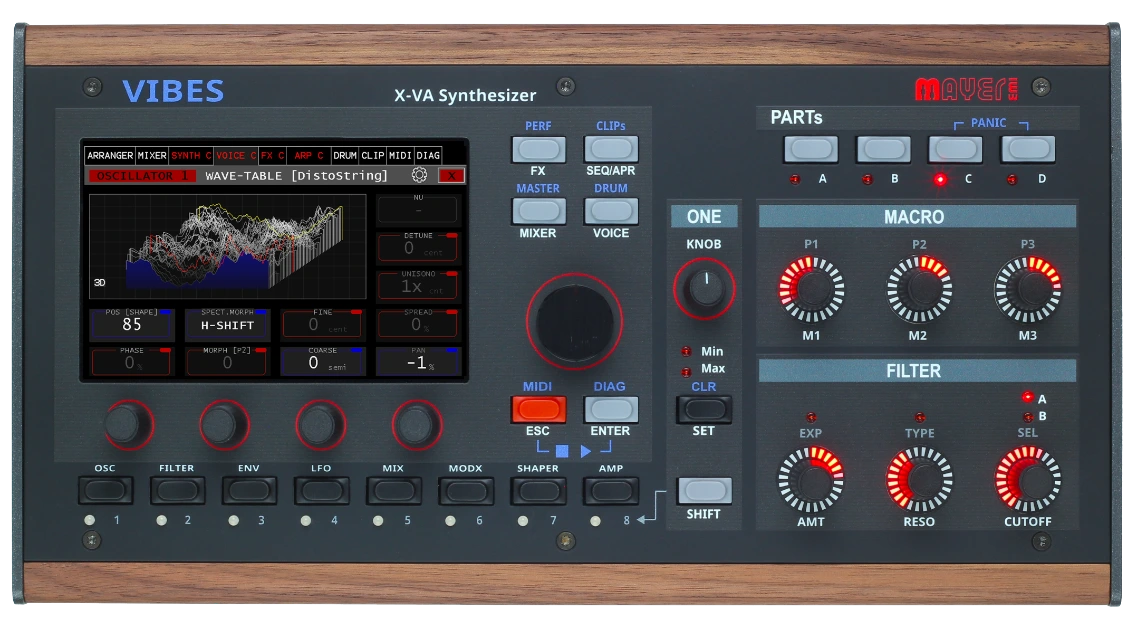
Four independent synth parts. Wavetable, virtual analog and resonator oscillators, plus SFZ multisamples. Build sounds, sequence drums and launch clips in one compact desktop instrument, with a stereo signal path from oscillator to output.
€1,899 incl. 20% VAT · Final taxes and shipping depend on destination
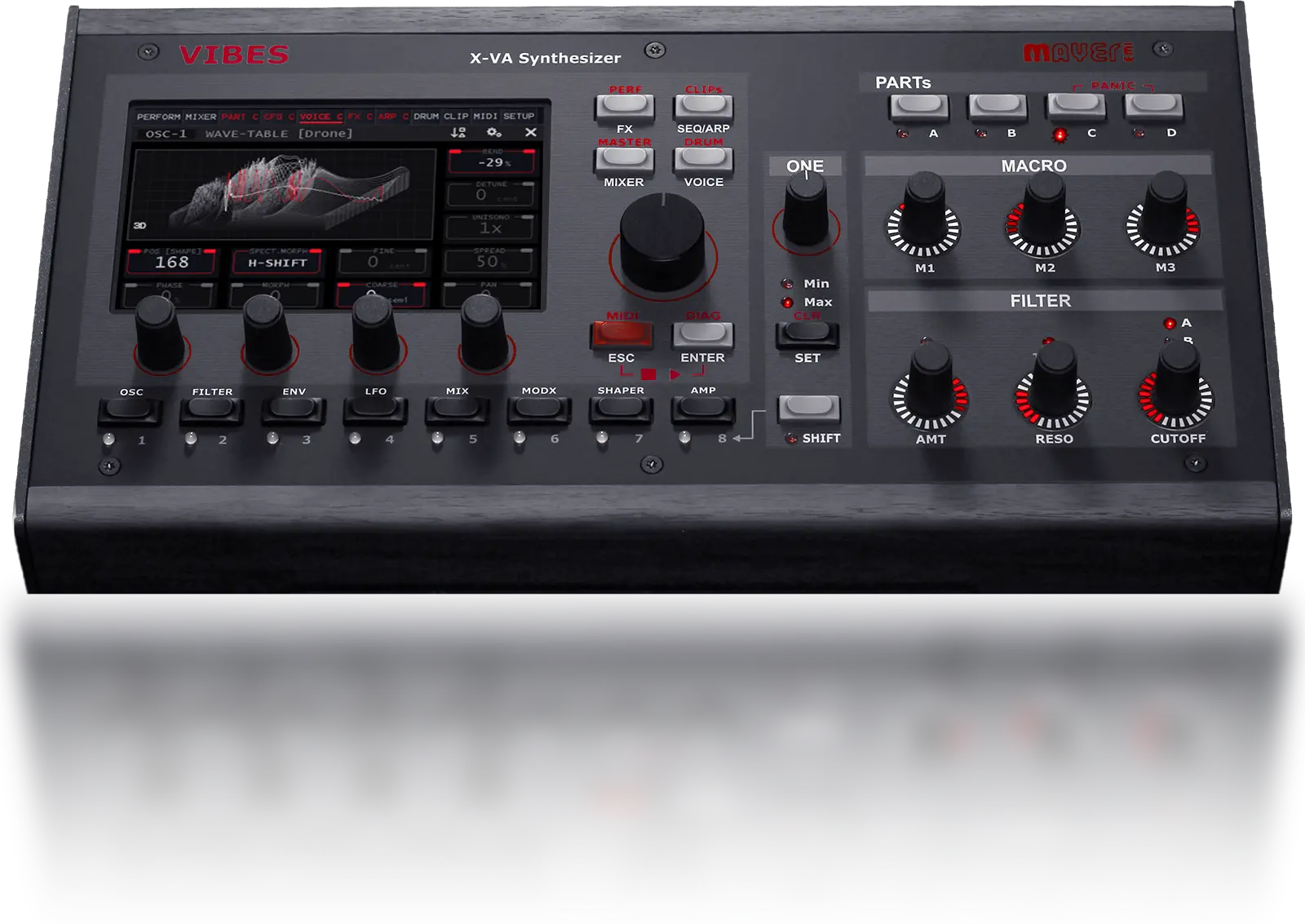
Cloud Reverb. Vintage Mode. SFZ import.
A free firmware update for every MD850 Vibes.
Aurora-5.0-Video hier einfügen. Vorschau mit Gerät und Display; Cloud Reverb, Vintage Mode, SFZ-Import und Recording zeigen. Finalen Video-Link oder MP4 sowie Poster liefern.
Play a bass in one part, a pad in another, then add a lead and a sequence. Each part has its own patch, filters, modulation and effects.
Split them across your keyboard, layer them together or give each one a MIDI channel. Up to 24 stereo voices are shared across the four parts.
Add drums and launch clipsEine Performance in einem Take: Bass, Pad, Lead und Sequenz nacheinander hörbar machen. Die vier Part-Namen einblenden; Hände und Bedienung zeigen. Keine externen Klangerzeuger.
The stereo signal path starts at the oscillators and continues through filters and effects to the output. Use stereo spread and modulation to place movement inside a patch. The four parts are separate sounds; polyphony is the number of voices available to play them.
Explore 33 recordings, from individual patches to layered performances. Start with the Aurora 5.0 demos or browse the full collection.

MD850 sound collection
33 original recordings33 recordings
No recordings match this selection. Try another category or clear the search.
Select a recording to listen.
A wonderful blend of multitimbral synth hardware with clip style sequencing, wrapped up in a solid, performance-based module.
— MusicRadar
Assign parameters across different parts to the One Knob, with an individual range for each. Turn it to change several layers together, including parts you are not currently editing.
The three macro controls work on the selected part. Dedicated filter controls and MIDI Learn let you decide which parameters stay under your hands.
Take it into a performance →Nahaufnahme: One Knob drehen, während ein mehrteiliger Klang läuft. Zugewiesene Parameter und individuelle Wertebereiche einblenden; Änderungen müssen hörbar sein.
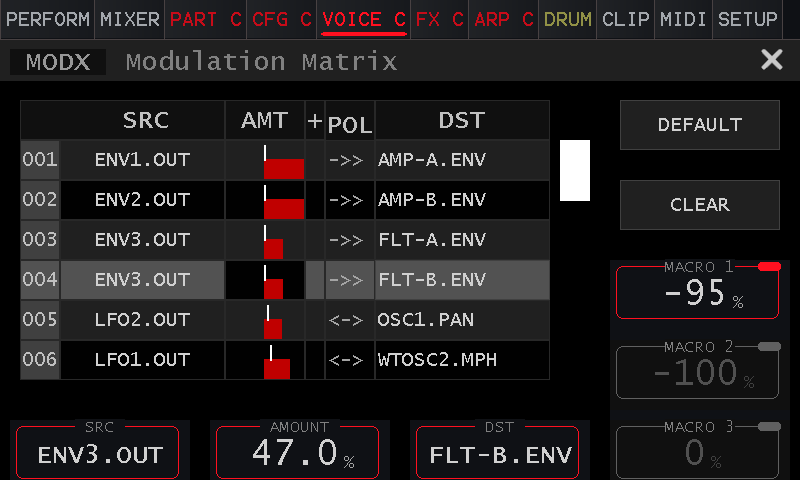
Shape a user LFO with 16 points on the touchscreen. Keep the steps distinct for rhythmic changes or smooth the curve for gradual motion. Three internal CV lanes add step-specific modulation from the arpeggiator.
Store up to eight parameter variants in a preset. Compare a softer attack, a different filter setting or another modulation idea while keeping the same wavetable and sample resources.
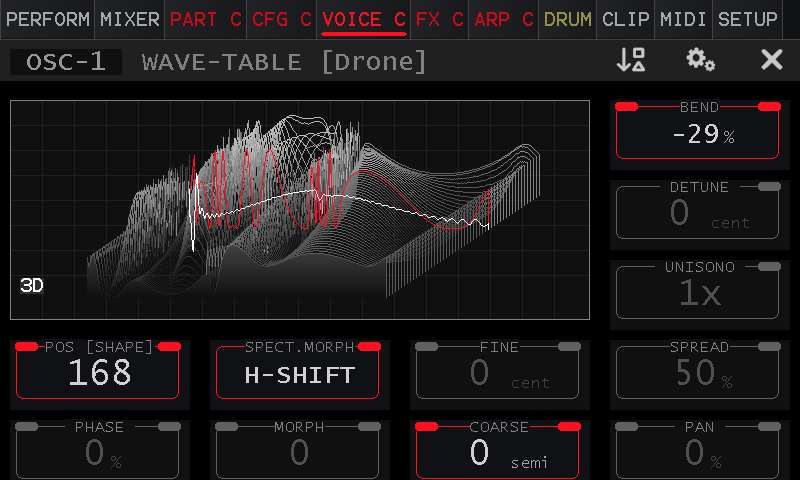
Each of the four parts gives you two main oscillators — switchable between Wavetable, Virtual Analog, and Resonator — plus a dedicated sample-based noise oscillator with SFZ multisample support. All running in true stereo.
A noise exciter drives 64 resonant bands. Shape the attack, damping and harmonic spacing to move from plucked and bowed textures to metallic bells.
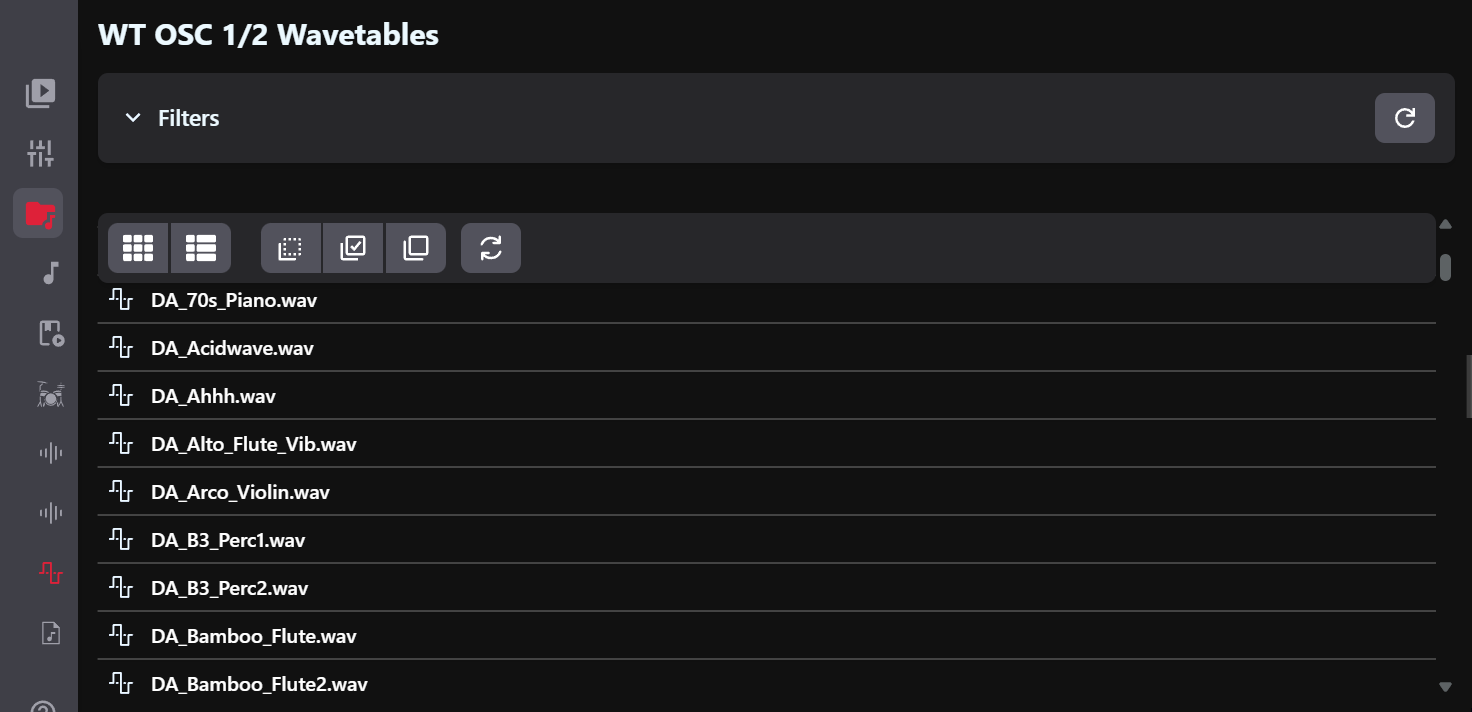
Bring the tables you already use into your hardware workflow. Import Serum-compatible .wav wavetables through VibesConnect, then shape them with the Vibes’ filters, modulation matrix and effects.
Use Serum-compatible wavetable files without converting them to a proprietary format.
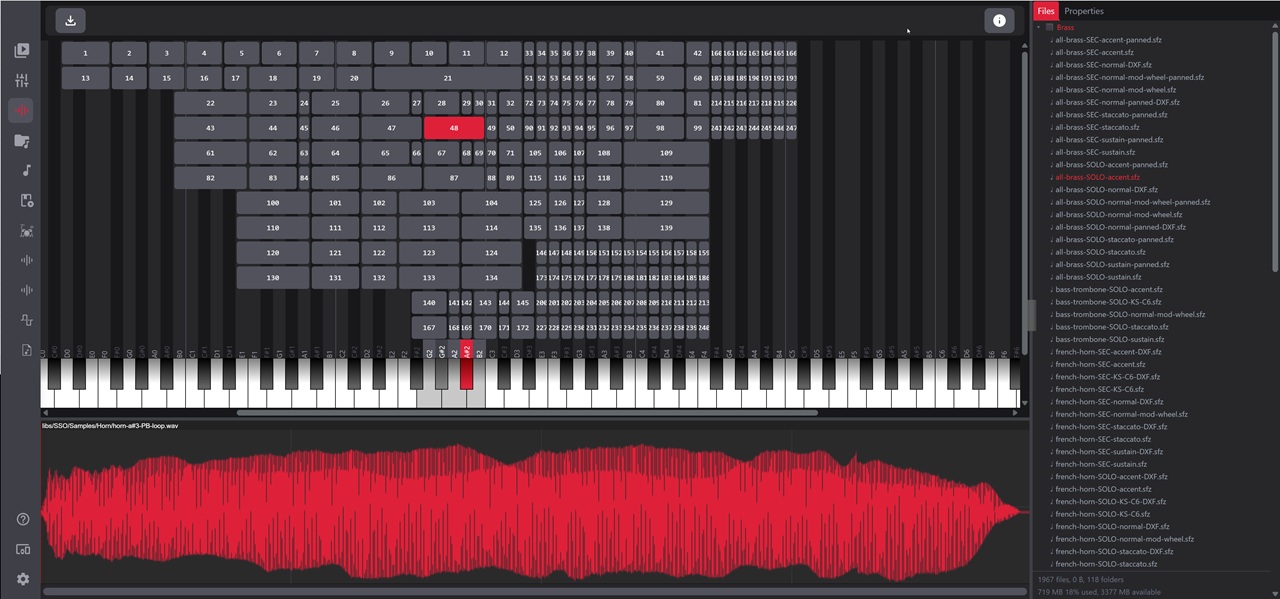
Aurora imports SFZ key zones, root notes, velocity ranges, loop points and random ranges for round-robin zones. Per-zone level, pan and tuning come across too. Legacy Vibes multisamples remain compatible.
Start with a dry string-machine multisample. Add a wavetable layer, use a filter envelope to shape the attack, then bring in Vintage Mode and Cloud Reverb. The multisample is a source inside the synthesis engine, so the rest of the patch stays yours to design.
Aurora also improves sample note starts and crossfades retriggered voices. Import support covers the SFZ features listed above; it is not a promise to reproduce every SFZ instrument or opcode.
Two additions to the sound engine in Aurora 5.0: Cloud Reverb for spatial design and Vintage Mode for controlled differences between voices.
Start with a close room, open into a hall or hold a texture in a long, evolving tail. Cloud Reverb runs alongside the existing reverb, with independent engines for the left and right channels.
Gleiche Phrase mit identischem Patch: zuerst trocken, danach mit Cloud Reverb. Lautheit angleichen, keine externen Effekte. Zwei synchronisierte Dateien liefern.
Small differences in oscillator tuning, filter cutoff and pan give notes individual character. Choose from 16 profiles and set the depth with one Amount control.
Gleiche Akkordfolge und identischer Patch: Vintage Mode aus, dann mit einem benannten Profil und sichtbarem Amount-Wert. Lautheit angleichen.
Arrange four synth parts and drums with the clip launcher and step sequencers. Add external MIDI instruments and balance the performance in the built-in mixer, without a computer.
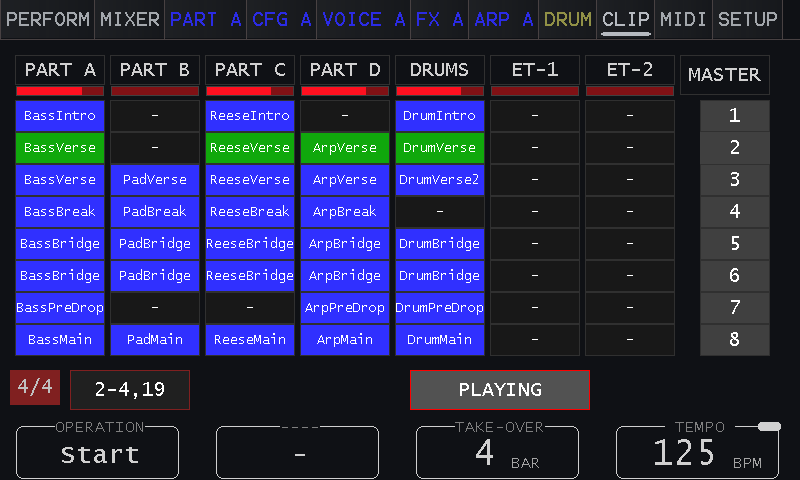
Seven tracks cover four synth parts, drums and two external MIDI instruments, with up to eight clips per track. Launch individual clips or whole rows in time from the touchscreen, supported pad controllers or VibesConnect.
Play up to 14 drum samples without taking voices from the synth parts. Import your own one-shots, program patterns up to 64 steps and mix each instrument with its own level, pan and effect sends. Route selected drums to the sidechain bus for rhythmic ducking.
Mix four synth parts, 14 drum instruments and the external audio input. Use two mixer effect chains for drums or external gear, with separate main and headphone buses. The stereo input can also be configured as two independent mono channels.
Arm a track and select an empty slot to create a clip and start recording. Select it again to turn the take into a loop. Play over a clip in an armed track to overdub more notes.
Record parameter movements alongside the notes. A metronome with count-in helps you start in time, and the piano roll follows the playhead as you record and play back.
Vom leeren Clip zur Phrase: Track scharf schalten, Count-in, Aufnahme, Loop, Overdub und eine Parameterbewegung. Display und Hand im Bild.
Send selected drum instruments to the sidechain bus and use dynamics processing to make the synth parts respond to the rhythm.
Connect one stereo source or two mono sources to the audio input, add mixer effects and balance them alongside the internal parts. Set the headphone send separately from the main mix.
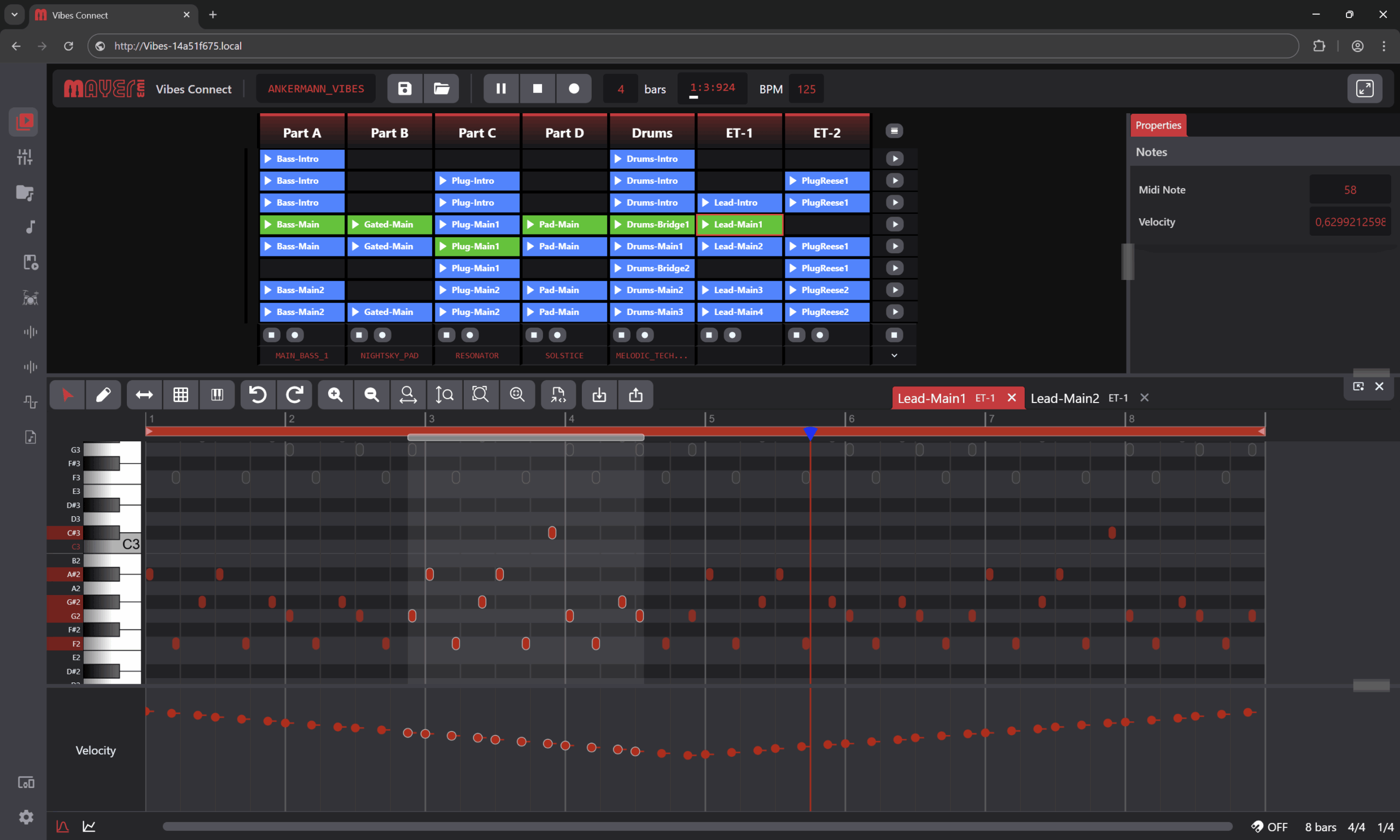
Clip launcher · MIDI editor · 19-channel mixer · File transfer · WiFi & Ethernet
Screenrecording der aktuellen Aurora-5.0-Oberfläche: MIDI-Datei hineinziehen, automatische Loop-Länge zeigen, Noten bearbeiten und Clip am Gerät starten.
Aurora brings six sound packs alongside a reworked factory library. Start from a finished patch, then follow it into the engine and make it your own.
The VibesConnect Info Center lets you browse and install available packs.
Explore the sound recordings →
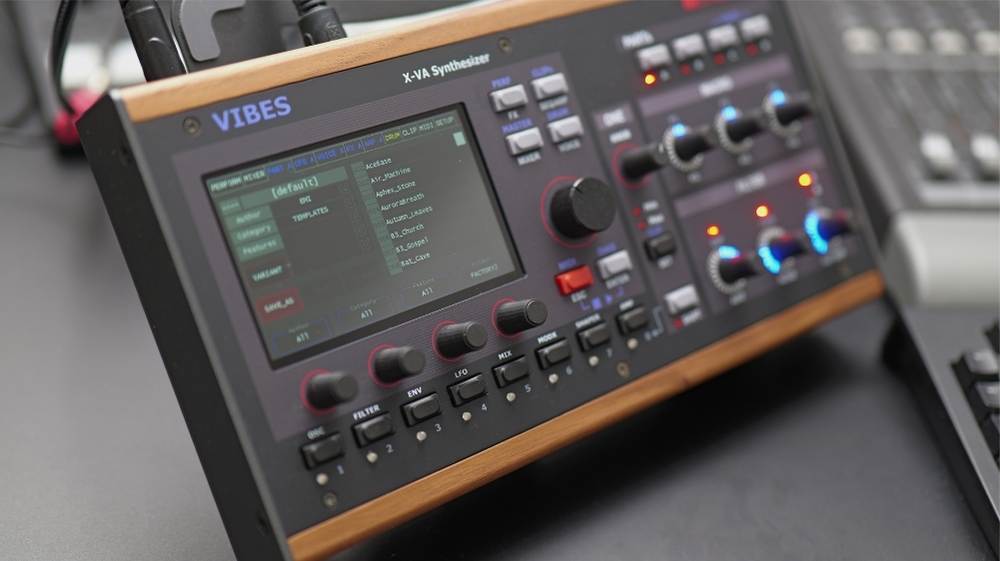
Touchscreen editing, One Knob, three macros and dedicated filter controls.
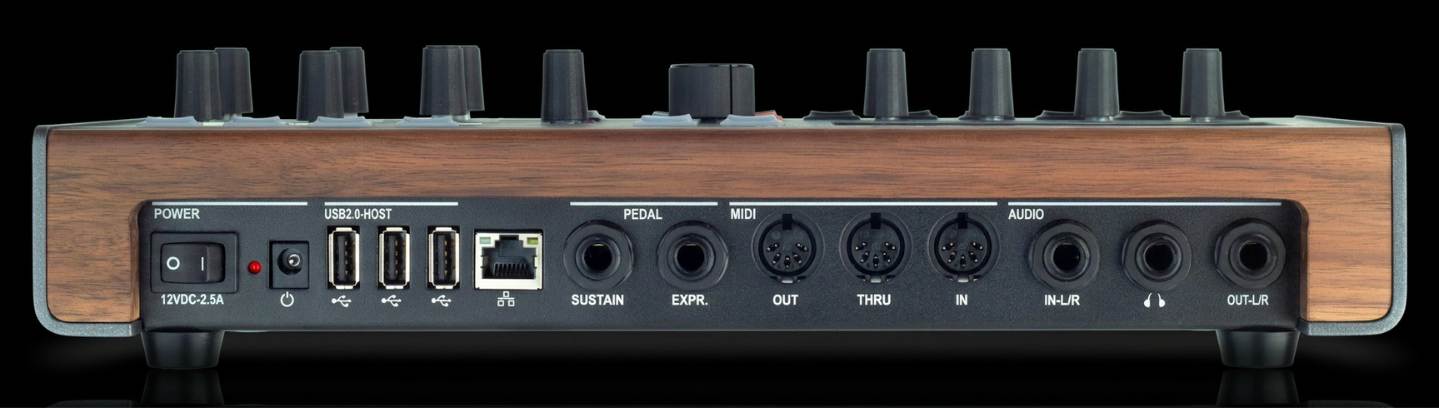
Connect MIDI controllers, external audio, headphones and your local network.
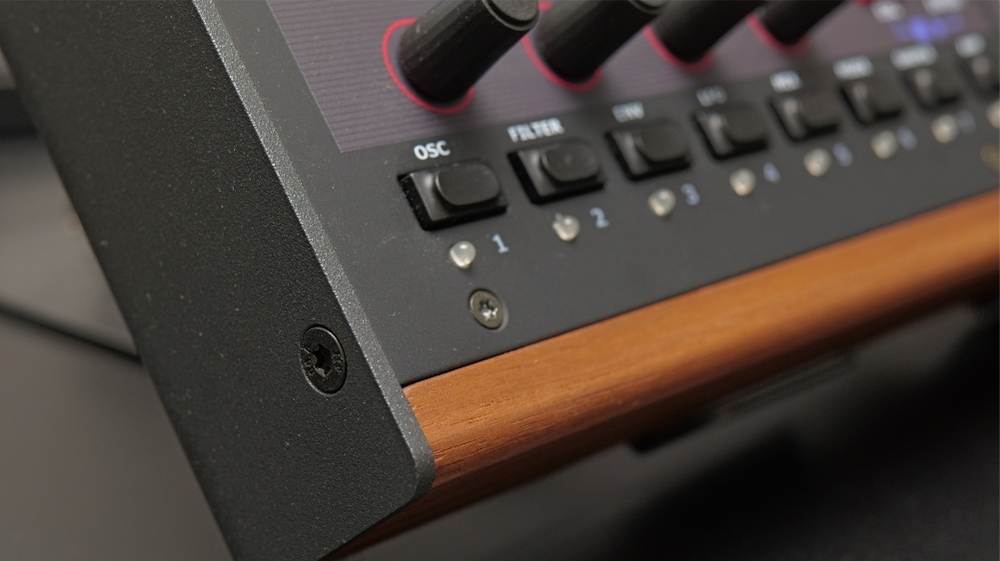
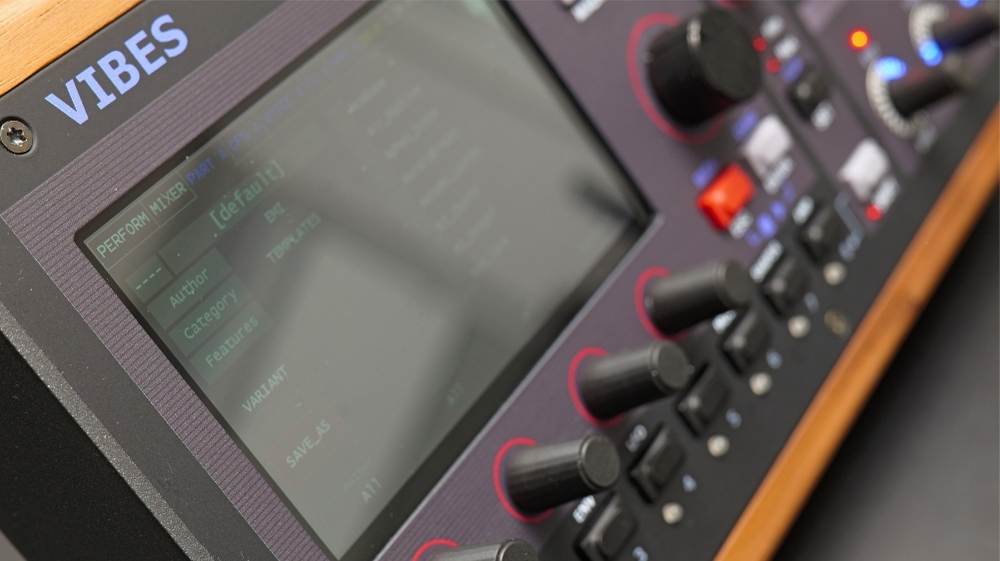
Makrofoto von echter Walnuss-Seitenwand, Metallkante und Reglern. Ruhiges Seitenlicht, dunkler Hintergrund. Querformat ohne eingebrannten Text.
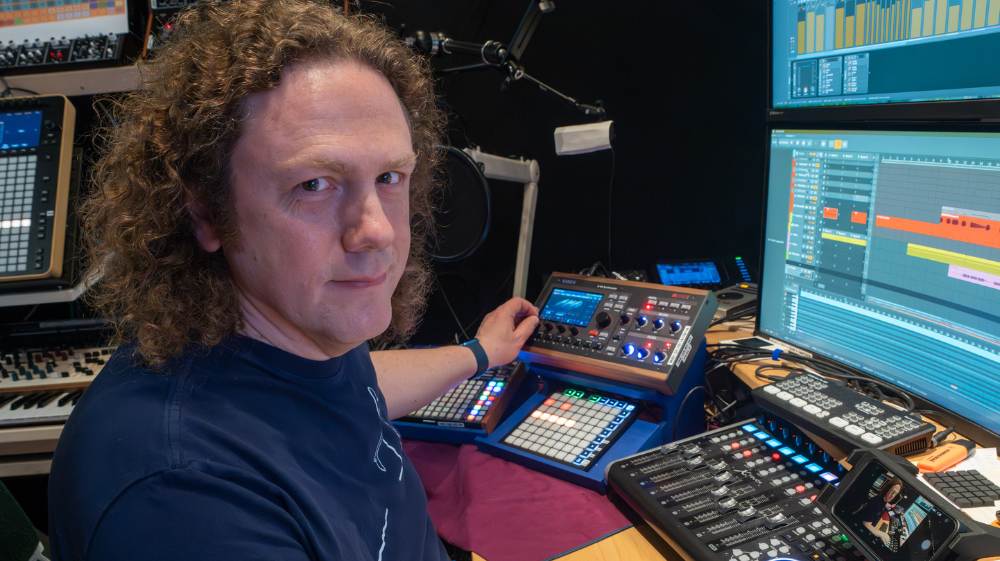
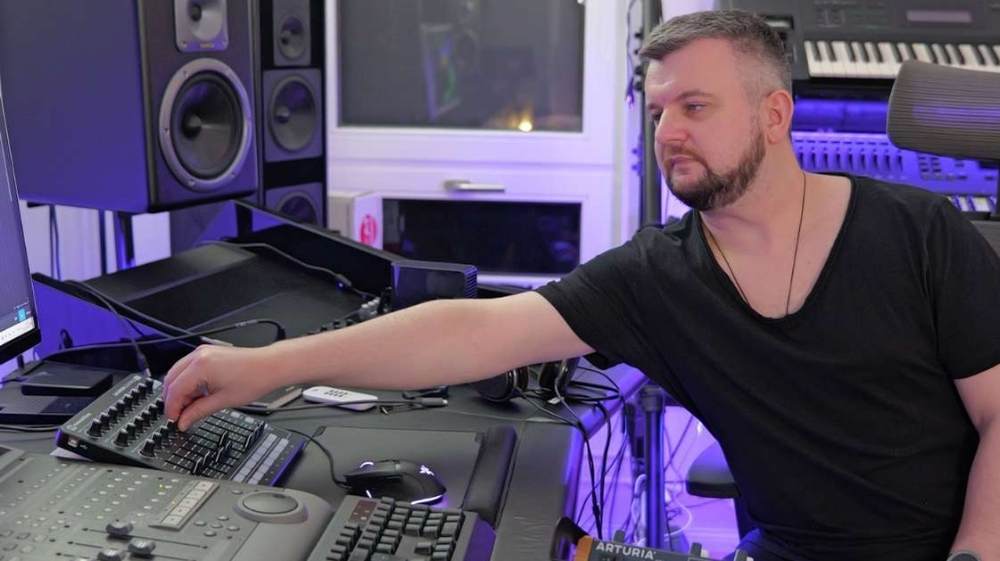
Echtes Studio-Setup mit Vibes, MIDI-Keyboard und Lautsprechern. Anschlussführung nachvollziehbar; Gerät im Mittelpunkt. Zubehör ist nicht Teil des Lieferumfangs.
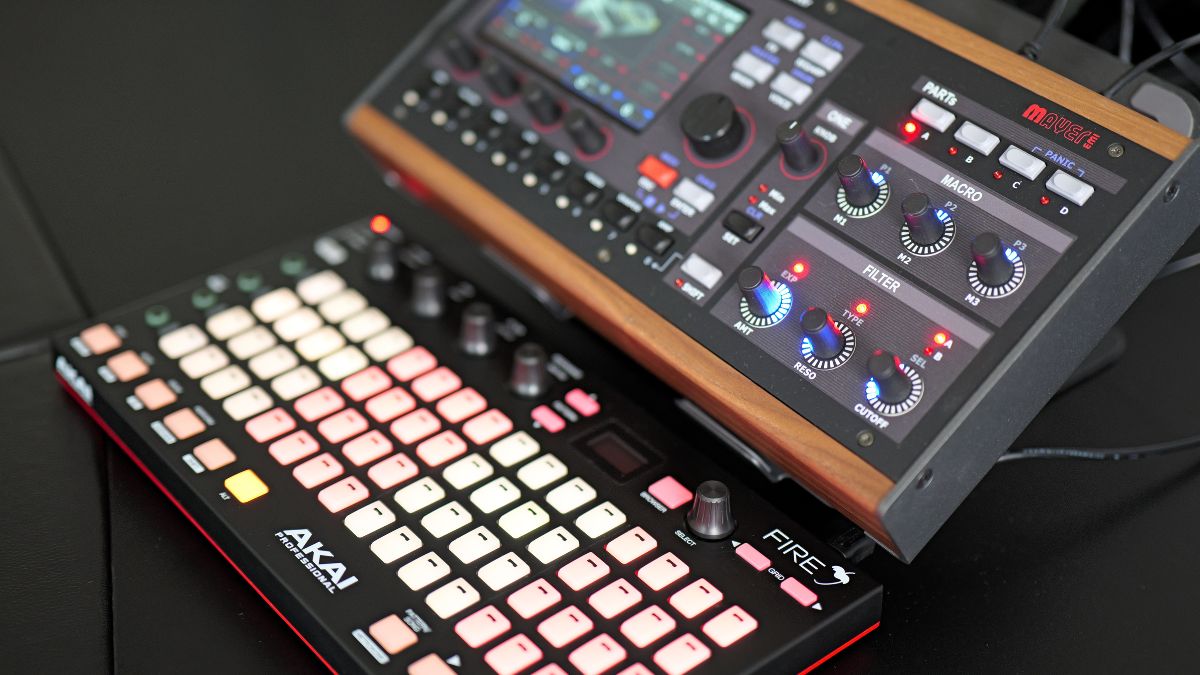
Connect class-compliant USB MIDI devices through the three host ports, or use DIN MIDI. Aurora’s dedicated controller profiles go further, with direct access to supported performance functions.
| Controller | Integration |
|---|---|
| Akai Fire | Clip launching and editing, drum sequencing on the pads, and drum play mode. |
| Akai APC Key 25 | Clip launching and scene start / stop. |
| Novation Launchpad | Clip launching from the pad grid. |
| Akai APC Mini / Mini MK2 | Clip launching. |
Controllers are not included. Functions depend on the model and profile.
Assign MIDI ports, channels and note ranges to the four parts. Put a bass in the lower range and a pad above it, or overlap parts for layered sounds. Adjust velocity response to suit your keyboard.
MIDI Learn assigns supported parameters to incoming MIDI controls. A generic controller can become your sound-design surface; dedicated profiles add the specific clip and drum functions shown above.
Three powered USB host ports, MIDI In/Out/Thru, stereo audio connections, Ethernet and WiFi.
Use the clip launcher and touchscreen to control your performance directly from the instrument, without a computer on stage.
XVA (WT + Algo + Resonator + Multisample OSCs)
2 main (WT/VA/Res) + 1 Noise/Multisample Oscillator
Fx Stack
19 channels, stereo
5″ capacitive touchscreen
The four synth parts share the voice pool. Part-level unison allocates multiple voices per note; oscillator-level unison and the drum sample player do not allocate additional synth voices.
Including 20% VAT · Final price depends on shipping location and shipping cost
What’s included:
• Vibes MD850 unit
• Power supply (100-240V worldwide)
• TRS Adaptor Cable
• VibesConnect browser interface (included)
• Quick start guide
The clip-based workflow will feel familiar to users of Session View: trigger and rearrange clips across seven tracks. On the Vibes, those tracks cover four synth parts, drums and two external MIDI instruments, with up to eight clips per track.
Two external MIDI tracks can sequence other instruments. Bring their audio into the stereo input and process it through the mixer effect chains. The input can also work as two independent mono channels.
No. Firmware 5.0 is a free update for every MD850 Vibes. See the official update instructions.
No. It adds a second reverb engine alongside the existing one.
Aurora adds automation recording alongside clip notes. Use it to capture supported parameter changes as part of the performance.
Yes. The Aurora release notes confirm that existing Vibes multisamples in the legacy format remain compatible.